Shooting
NBA 2K26 Shooting Guide: How to Green More Shots
Most missed shots in NBA 2K26 are timing problems, not build problems. This guide covers release windows, animation choice, and badge synergy so you shoot cleaner in MyCareer, Park, and Rec.
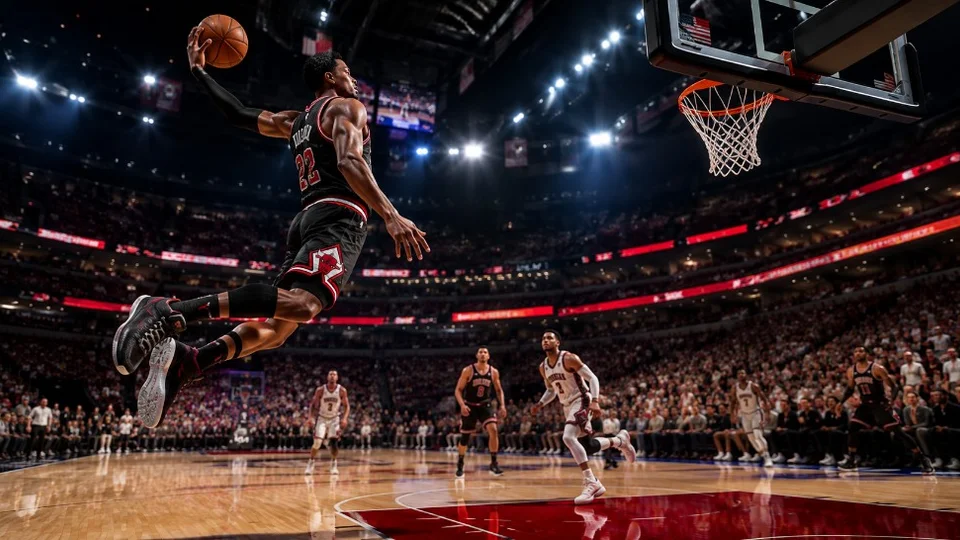
Understand the green window first
Every jump shot animation in NBA 2K26 has a release window where the shot meter flashes green. Early releases clip the front of the window; late releases miss the back. Offline practice in MyCareer is the fastest way to learn your animation before taking the same timing online.
Shot height, release speed, and base animation all change the window. Do not copy a YouTuber build if your jump shot is different — timing is animation-specific.
Badges and attributes that help shooting
Limitless Range, Deadeye, and Green Machine are the core shooting badges for most builds. Pair them with enough three-point rating to keep the window forgiving on slightly early or late releases.
If you want automated timing assistance, read our Auto Green explained guide and compare with Auto Green features.
Park and Rec shooting habits
Online latency makes the same offline timing feel different. Take one open catch-and-shoot in the first possession to calibrate before forcing contested threes.
For build planning, see best NBA 2K26 attributes and full feature list before you buy tools or spend VC.